
Files: NFAA.shader
Path: "CGF/Shaders/ImageEffect"
Shader menu: "CG Framework/Image Effect/Anti Aliasing/NFAA"
Description
Unity shader CG Framework/Image Effect/Anti Aliasing/NFAA.
Reference
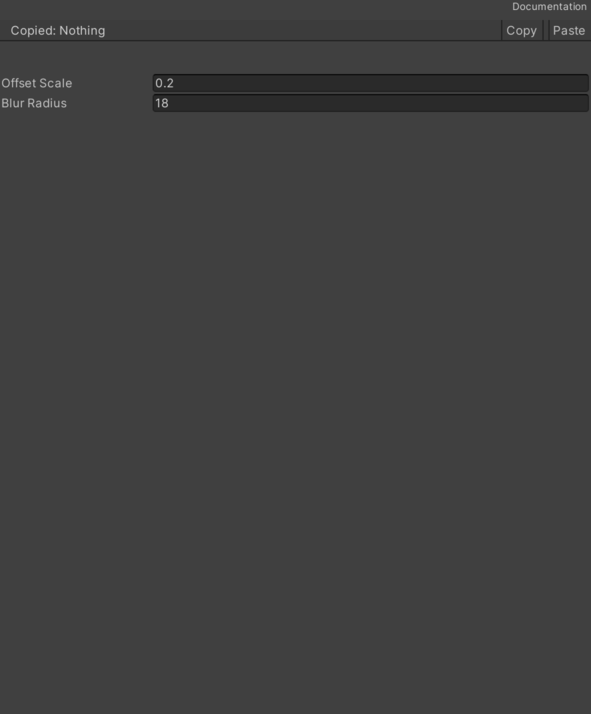
- Base (RGB) – Base (RGB).
- Base (RGB) – Base (RGB).
- Offset Scale – Scale factor applied to the texel size that defines the sampling offset distance for neighboring pixels, controlling the edge detection sensitivity of the NFAA algorithm.
- Blur – Multiplier that defines the magnitude of the directional blur offset applied along the detected edge, controlling the strength of the anti-aliasing smoothing. See Common Features / Blur.
Use
Assign the shader from CG Framework/Image Effect/Anti Aliasing/NFAA to a material.
Configure the grouped material properties listed in Reference from the Unity material inspector.