
Files: CGFGyroscopeRotationBehavior.cs
Path: "CGF/Systems/ObjectTransform/Parallax"
Description
Object rotation system using the gyroscope
Reference
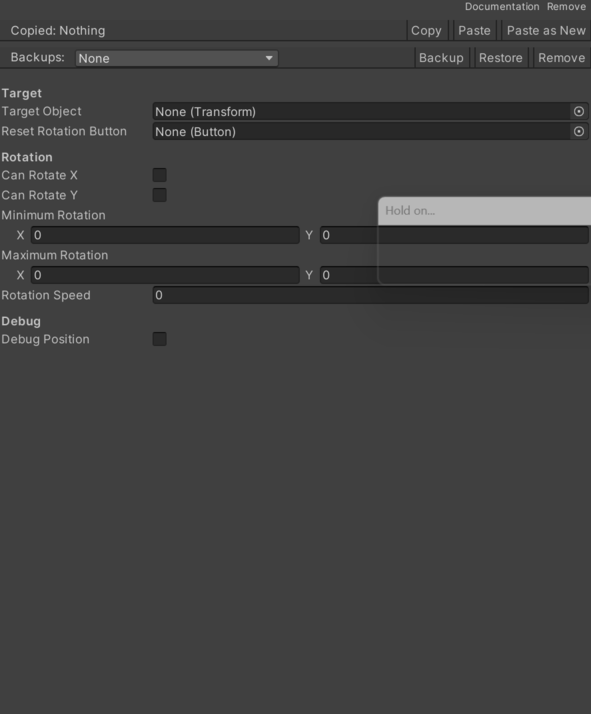
- Can Rotate X – Controls whether can Rotate X is enabled.
- Can Rotate Y – Controls whether can Rotate Y is enabled.
- Debug Position – Controls whether debug Position is enabled.
- Maximum Rotation – Inspector setting that defines the maximum Rotation.
- Minimum Rotation – variables that limit the object rotation.
- Reset Rotation Button – button that allows reset.
- Rotation Speed – Movement rate used for rotation Speed.
- Target Object – variable that stores the Transform of the object to move.
Use
Add this component to the GameObject that should own the behavior.
Configure the inspector fields listed in Reference and assign the required scene or asset references before entering Play Mode.