
Files: CGFCanvasImageNativeLayoutElementBehavior.cs
Path: "CGF/Systems/UI"
Description
Behavior that allows to the attached object exposes an Image sprite native size to Unity layout groups.
Reference
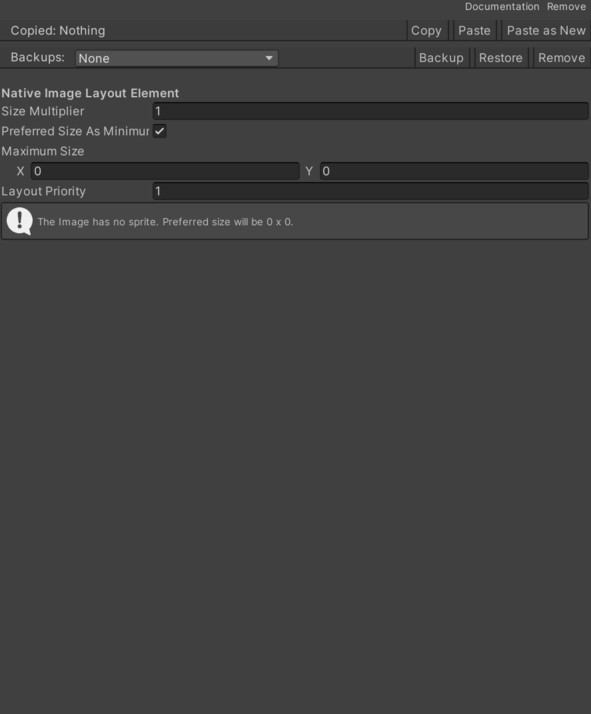
- Layout Priority – Stores the layout priority used by Unity layout calculations.
- Maximum Size – Stores the maximum preferred size. A zero axis means no limit for that axis.
- Size Multiplier – Stores the size multiplier applied to the sprite native size.
- Use Preferred Size As Minimum – Stores whether preferred size should also be reported as minimum size.
Use
Add this component to the GameObject that should own the behavior.
Configure the inspector fields listed in Reference and assign the required scene or asset references before entering Play Mode.