
Files: CGFCanvasLayoutElementFilterBehavior.cs
Path: "CGF/Systems/UI"
Description
Behavior that allows the associated gameobject to custom layout element that filters and limits layout properties.
Reference
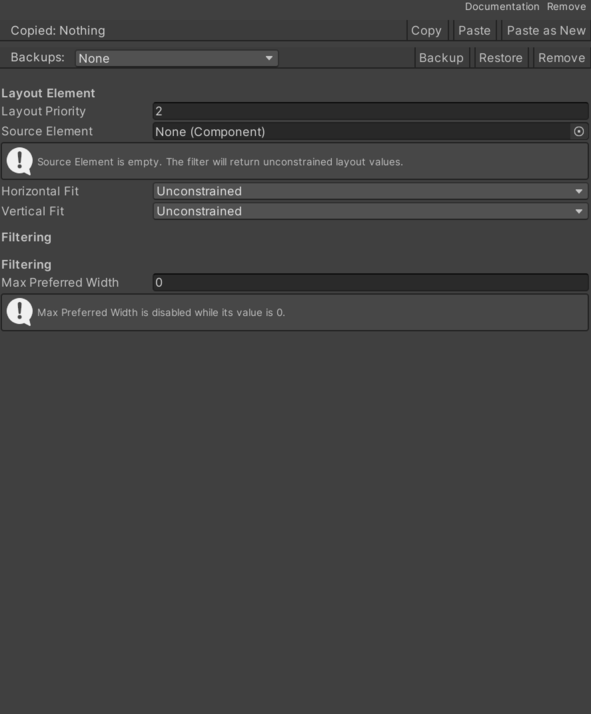
- Horizontal Fit – Determines the horizontal fit mode for the layout element.
- Unconstrained – No constraint is applied to the layout element size.
- Min Size – Layout element size is set to its minimum size.
- Preferred Size – Layout element size is set to its preferred size.
- Max Preferred Width – Max width.
- Source Element – Must implement ILayoutElement.
- Vertical Fit – Determines the vertical fit mode for the layout element.
- Unconstrained – No constraint is applied to the layout element size.
- Min Size – Layout element size is set to its minimum size.
- Preferred Size – Layout element size is set to its preferred size.
Use
Add this component to the GameObject that should own the behavior.
Configure the inspector fields listed in Reference and assign the required scene or asset references before entering Play Mode.