
Files: CGFCanvasSettingsAudioCategoryToggleBehavior.cs
Path: "CGF/Systems/UI/Settings"
Description
Behavior that allows to change an audio category muted state from CGFSettingsScriptable using a toggle.
Reference
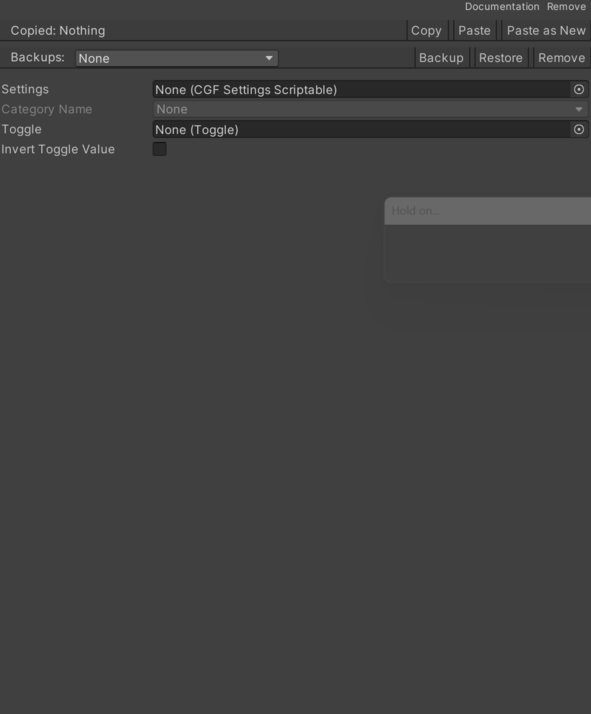
- Category Name – Name of the audio category to change.
- Invert Toggle Value – Whether toggle state should be inverted before syncing with the stored audio setting.
- Settings – Settings data that contains the audio category.
- Toggle – Toggle to change the audio category muted state.
Use
Add this component to the GameObject that should own the behavior.
Configure the inspector fields listed in Reference and assign the required scene or asset references before entering Play Mode.