
Files: CGFBillboardBehavior.cs
Path: "CGF/Systems/ObjectTransform"
Description
Orients the object toward the specified camera on the selected axes.
Reference
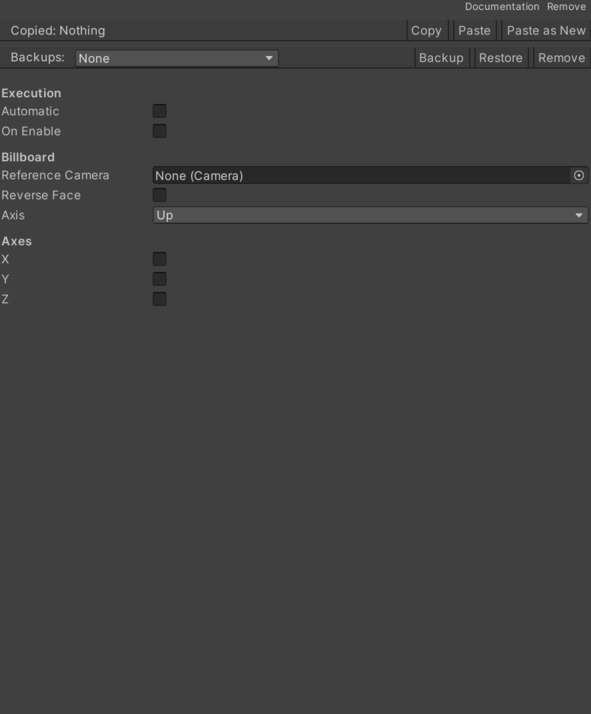
- Automatic – Controls whether automatic is enabled.
- Axis – Axis to orient toward the camera.
- Horizontal – Layout children are arranged along the horizontal axis.
- Vertical – Layout children are arranged along the vertical axis.
- On Enable – Runs the behavior automatically when the OnEnable() method is triggered.
- Reference Camera – Camera toward which to orient the object.
- Reverse Face – Invert the face oriented toward the camera.
- X – Allows orienting the object on the X axis;.
- Y – Allows orienting the object on the Y axis;.
- Z – Allows orienting the object on the Z axis;.
Use
Add this component to the GameObject that should own the behavior.
Configure the inspector fields listed in Reference and assign the required scene or asset references before entering Play Mode.