
Files: CGFCanvasOutlineBehavior.cs
Path: "CGF/Systems/UI/Effects"
Description
Behavior that allows the associated GameObject to add borders.
Reference
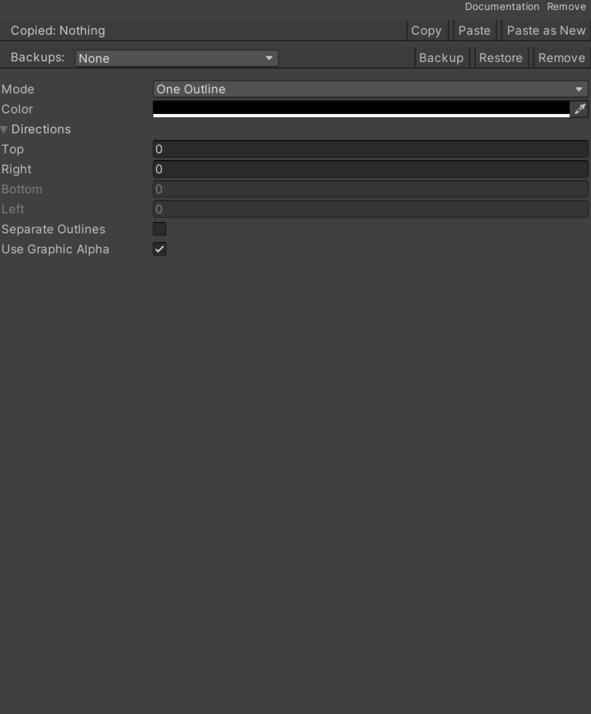
- Color – Color used when rendering or drawing color.
- Directions – Inspector setting used by this component to configure directions.
- Bottom – Bottom side position.
- Left – Left side position.
- Right – Right side position.
- Top – Numeric setting that configures top.
- Right – Rightward direction.
- Left – Leftward direction.
- Up – Upward direction.
- Down – Downward direction.
- Forward – Forward direction.
- Back – Backward direction.
- Mode – Selected behavior action modes.
- Distance – Copy creation according to the distance between the original GameObject or the last copy and the copy to create.
- Time – Creation of copies according to the elapsed time between the appearance of the original GameObject or the last copy and the copy to create.
- Separate Outlines – Enables or disables the borders own position.
- Use Graphic Alpha – Enables or disables using the image alpha channel.
Use
Add this component to the GameObject that should own the behavior.
Configure the inspector fields listed in Reference and assign the required scene or asset references before entering Play Mode.