
Files: CGFCanvasAutoFocusBehavior.cs
Path: "CGF/Systems/UI"
Description
Behavior that allows the associated GameObject to know which canvas element the mouse is over at any time, restore lost focus, and make a GameObject share the same position as the active or highlighted canvas element.
Reference
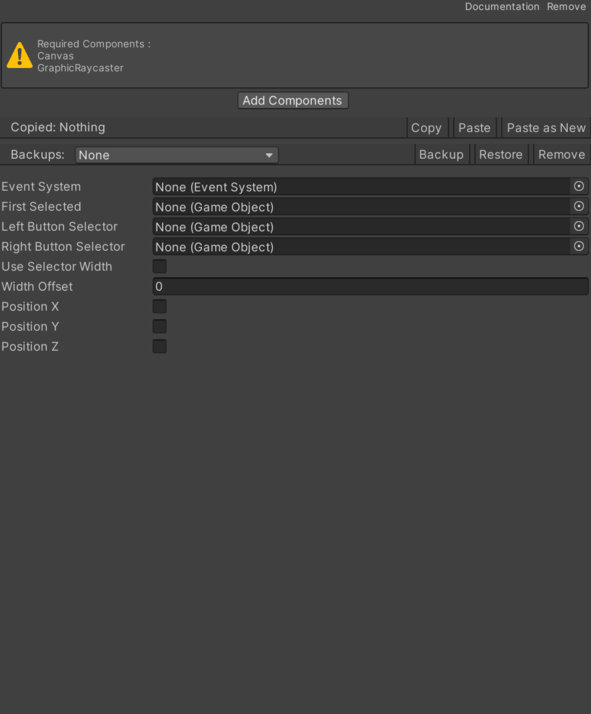
- Event System – EventSystem of the canvas this component is attached to.
- First Selected – GameObject that initially has focus.
- Left Button Selector – Reference to the left Button Selector used by this component.
- Position X – Allows the buttonSelector GameObject to use the X position of the firstSelected GameObject.
- Position Y – Allows the buttonSelector GameObject to use the Y position of the firstSelected GameObject.
- Position Z – Allows the buttonSelector GameObject to use the Z position of the firstSelected GameObject.
- Right Button Selector – Reference to the right Button Selector used by this component.
- Use Selector Width – Enables or disables selector positioning according to the selector size.
- Width Offset – Measurement used to configure the width Offset.
Use
Add this component to the GameObject that should own the behavior.
Configure the inspector fields listed in Reference and assign the required scene or asset references before entering Play Mode.