
Files: CGFSceneLoaderBehavior.cs
Path: "CGF/Systems/Scenes"
Description
Manager that allows the associated GameObject to load the destination scene.
Reference
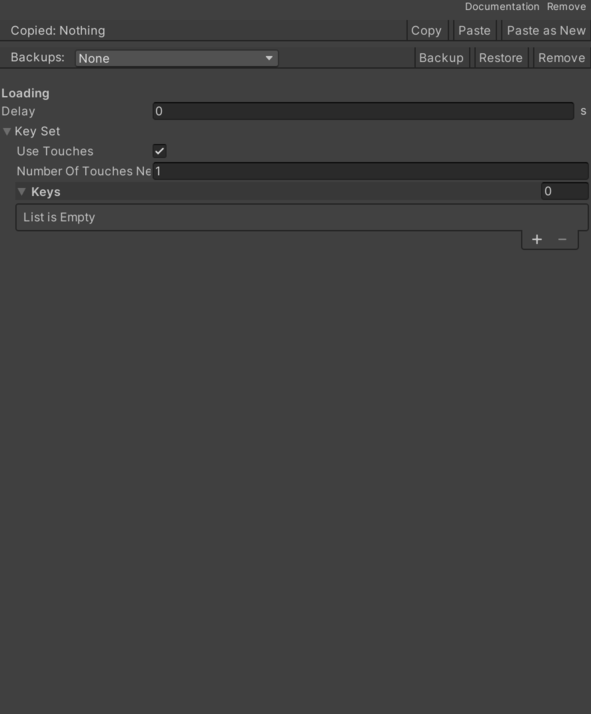
- Delay – Delay before scene loading starts.
- Key Set – Keys to switch scenes.
- Keys List – List of keyboard keys that trigger skip or omission.
- Number Of Touches Needed – Number of simultaneous touches required to jump or skip.
- Use Touches – Enables or disables skipping with a tap on the device screen.
Use
Add this component to the GameObject that should own the behavior.
Configure the inspector fields listed in Reference and assign the required scene or asset references before entering Play Mode.