
Files: CGFCanvasManager.cs
Path: "CGF/Systems/UI"
Description
Manager that allows the associated Game object to handles of multiple canvases in the scene.
Reference
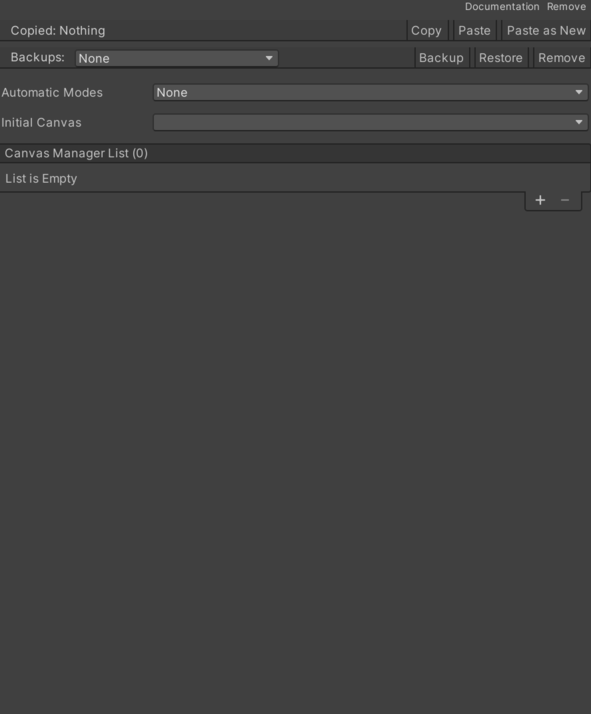
- Automatic Mode – Different ways to start the canvas change. See Common Features / Automatic Mode.
- Canvas Manager List – List of all managed canvases.
- Canvas Item – Cached CGFCanvasItemBehavior reference used by this component.
- First Selected – Gets the first selected GameObject in the canvas.
- Identifier – Gets the unique identifier for this canvas item.
- Close Modals – Indicates if the canvas will close all modals.
- Event System – EventSystem associated with the canvas.
- Modal – Indicates if the canvas origin will be desabled.
- Order Layer – Sorting layer order for the canvas.
- Canvas Item – Cached CGFCanvasItemBehavior reference used by this component.
- Initial Canvas – Indicates which canvas name will be active at the start.
Use
Add this component to the GameObject that should own the behavior.
Configure the inspector fields listed in Reference and assign the required scene or asset references before entering Play Mode.