
Files: CGFCanvasSlotSelectorManager.cs
Path: "CGF/Systems/UI/SlotSelector"
Description
Manager that allows the associated GameObject to manage menu selection.
Reference
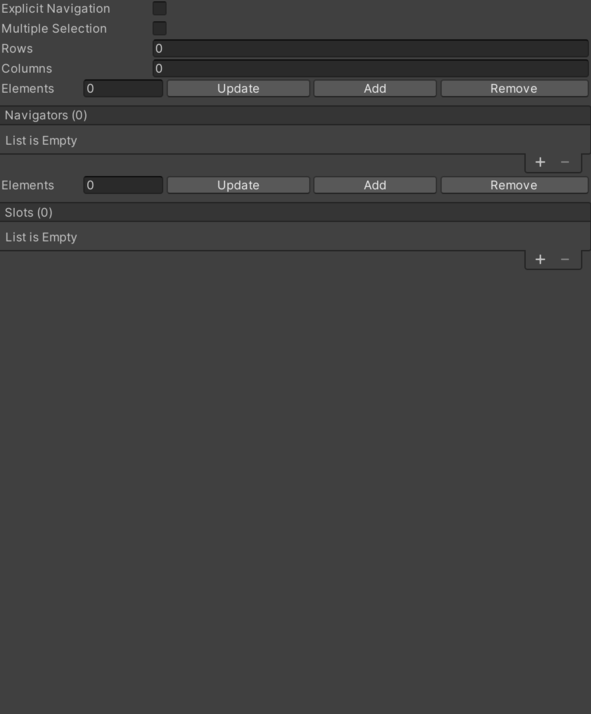
- Columns – Numeric setting that configures columns.
- Explicit Navigation – Controls whether explicit navigation is enabled.
- Multiple Selection – Possibility of being in the same slot.
- Navigators List – Inspector setting containing the navigators entries processed by this component.
- Current Navigator Position – Numeric setting that configures current navigator position.
- Joystick – Controls whether joystick axis is enabled. See Common Features / Joystick.
- Last Navigator Position – Numeric setting used for last Navigator Position.
- Navigator – Manages UI navigator settings. See Common Features / Navigator.
- Player – Cached CGFPlayerBehavior reference used by this component. See Common Features / Player.
- Rows – Numeric setting that configures rows.
- Slots – Inspector setting containing the slots entries processed by this component. See Common Features / Slots.
Use
Add this component to the GameObject that should own the behavior.
Configure the inspector fields listed in Reference and assign the required scene or asset references before entering Play Mode.