
Files: CGFThemeManager.cs
Path: "CGF/Systems/Themes"
Description
Manages the themes for the application.
Reference
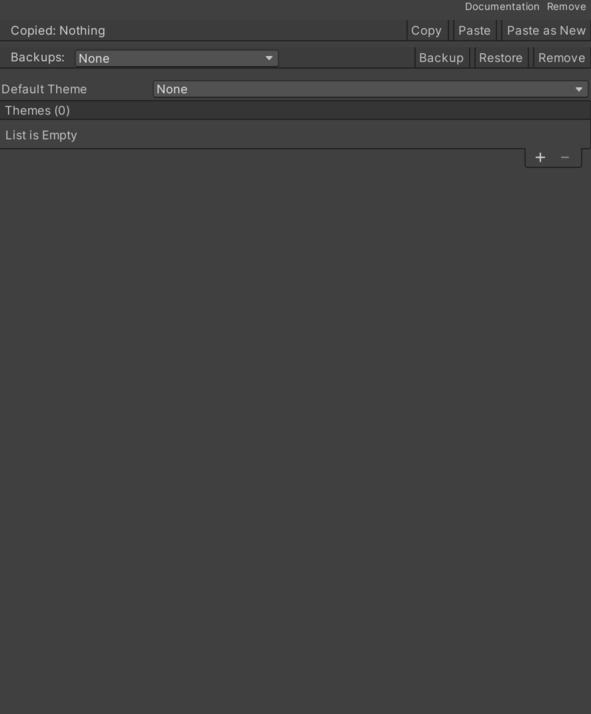
- Default Theme – Default theme to use if no theme is selected or if the saved theme is not found.
- Colors List – List of additional colors.
- Key – Key to identify the color (e.g., "Primary", "Secondary", etc.).
- Value – Theme color assigned to the matching key.
- Sprites List – List of additionals sprites.
- Theme – Manages theme selection. See Common Features / Theme.
- Colors List – List of additional colors.
- Themes List – List of available themes and default theme.
- Colors List – List of additional colors.
- Key – Key to identify the color (e.g., "Primary", "Secondary", etc.).
- Value – Theme color assigned to the matching key.
- Sprites List – List of additionals sprites.
- Theme – Manages theme selection. See Common Features / Theme.
- Colors List – List of additional colors.
Use
Add this component to the GameObject that should own the behavior.
Configure the inspector fields listed in Reference and assign the required scene or asset references before entering Play Mode.