
Files: CGFRuntimeDebuggerConsoleUIManager.cs
Path: "CGF/Systems/RuntimeDebugger/Scripts/Console"
Description
Manager that allows the associated Gameobject to set the UI for a debug console, handling log messages, filtering, and collapse features.
Reference
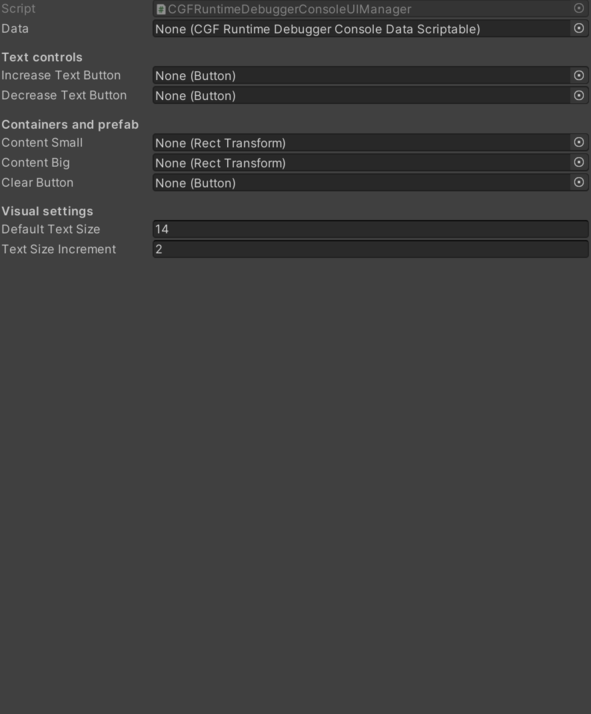
- Clear Button – Button that clears all logs from the console.
- Content Big – Container for larger log rows in the debug console.
- Content Small – Pending documentation.
- Data – Pending documentation.
- Decrease Text Button – Button used to decrease the text size in the debug console.
- Default Text Size – Pending documentation.
- Increase Text Button – Pending documentation.
- Text Size Increment – Increment step for increasing or decreasing the console text size.
Use
Add this component to the GameObject that should own the behavior.
Configure the inspector fields listed in Reference and assign the required scene or asset references before entering Play Mode.