
Files: CGFCanvasAchievementNotificationBehavior.cs
Path: "CGF/Systems/UI"
Description
Behavior that allows the associated GameObject to control notifications.
Reference
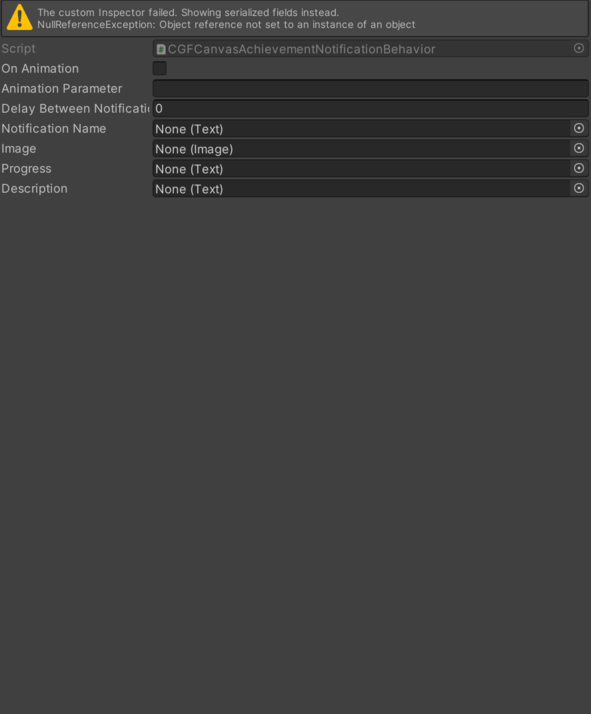
- Animation Parameter – Text used to identify or display animation parameter. See Common Features / Animation Parameter.
- Delay Between Notifications – Delay time between notifications.
- Description – Object with the description Text component of the notification.
- Image – Object with the Image component of the notification.
- Notification Name – Object with the Text component of the notification.
- On Animation – Animation transitions between notifications enabled.
- Progress – Object with the progress Text component of the notification.
Use
Add this component to the GameObject that should own the behavior.
Configure the inspector fields listed in Reference and assign the required scene or asset references before entering Play Mode.