
Files: CGFCanvasGradientBehavior.cs
Path: "CGF/Systems/UI/Effects"
Description
Applies a two-color gradient to UI elements.
Reference
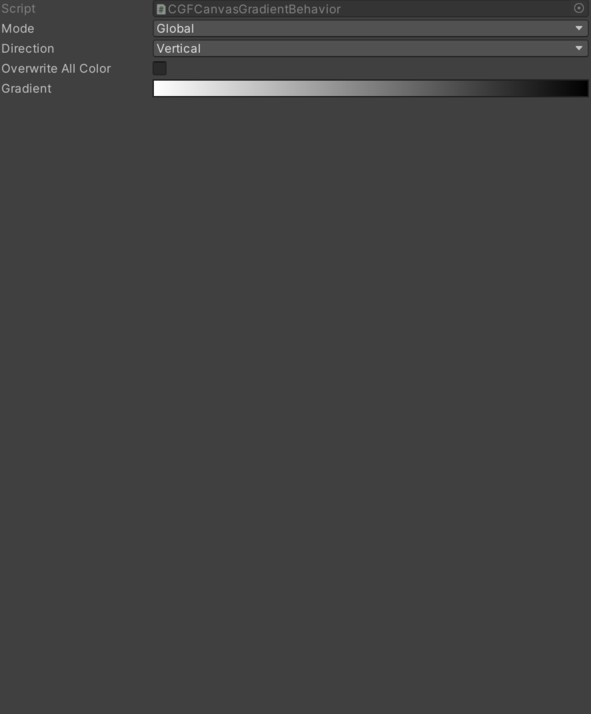
- Direction – Current gradient application direction.
- Vertical – Top to bottom.
- Horizontal – Right to left.
- Diagonal Left To Right – From the top-left corner to the bottom-right corner.
- Diagonal Right To Left – From the top-right corner to the bottom-left corner.
- Gradient – Internal value used to configure gradient.
- Mode – Current gradient application mode.
- Global – Applied taking into account the size of the largest element in the object.
- Local – Applied individually to each element in the object.
- Overwrite All Color – Overrides the color.
Use
Add this component to the GameObject that should own the behavior.
Configure the inspector fields listed in Reference and assign the required scene or asset references before entering Play Mode.