
Files: CGFHumanoidAnimationTimelineEditorTool.cs
Path: "CGF/Editor/Tools/HumanoidAnimation"
Menu: "CGF/Animation/Humanoid Animation Timeline"
Description
Authors retargetable Humanoid muscle curves while reusing the CGF Tween timeline interaction model.
Reference
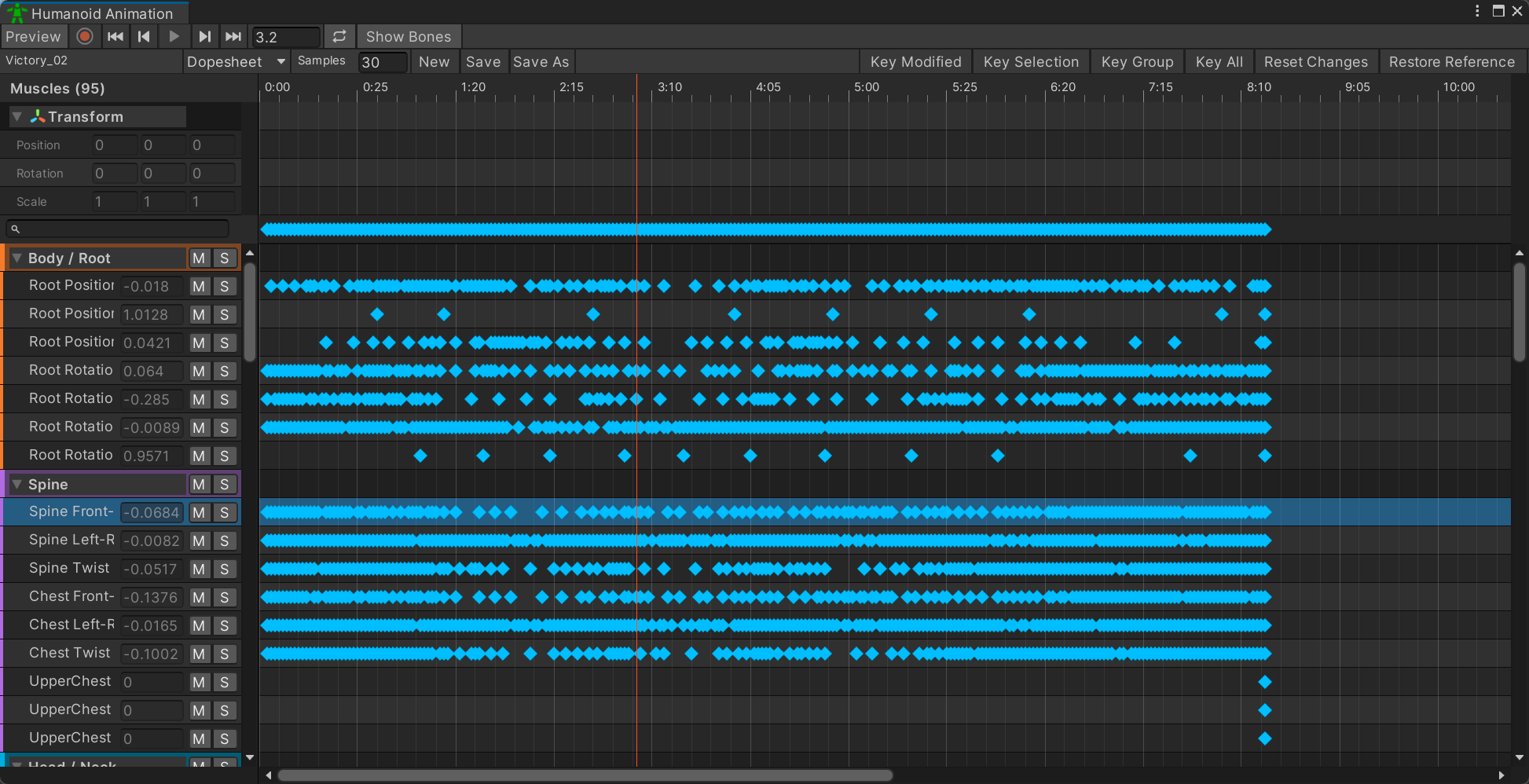
- Show Bones – Show or hide Humanoid bone gizmos in the Scene view.
- Samples – Number of animation frames represented by one second.
- New – Create a new Humanoid Animation Clip asset and open it in this timeline.
- Save – Write the current humanoid animation model back to its source AnimationClip asset.
- Save As – Create a new AnimationClip asset from the current humanoid animation model.
- Animation Event
- Function – Method invoked by Unity when the event is reached.
- Time – Time, in seconds, at which this animation event is invoked. Controls how Unity handles a missing animation event receiver.
- Delete – Delete every selected animation event from this clip.
- String – String argument available to the animation event receiver.
- Float – Floating-point argument available to the animation event receiver.
- Int – Integer argument available to the animation event receiver.
- Muscles
- Events
- M – Mute every Muscle in this group.
- S – Solo every Muscle in this group.
- M – Mute this Muscle.
- S – Solo this Muscle.
- Select a Muscle to display and edit its curve.
- +1
- 0
- -1
- Preview – Evaluate the displayed clip on the selected scene Animator.
Use
Open the tool from CGF/Animation/Humanoid Animation Timeline in the Unity editor.
Use the controls listed in Reference to configure the window workflow.