
Files: CGFLightmapManagerTool.cs
Path: "CGF/Editor/Tools/LightmapManager"
Menu: "CGF/Lighting/Lightmap Manager"
Description
Editor window that captures, organizes, validates and previews baked lighting states.
Reference
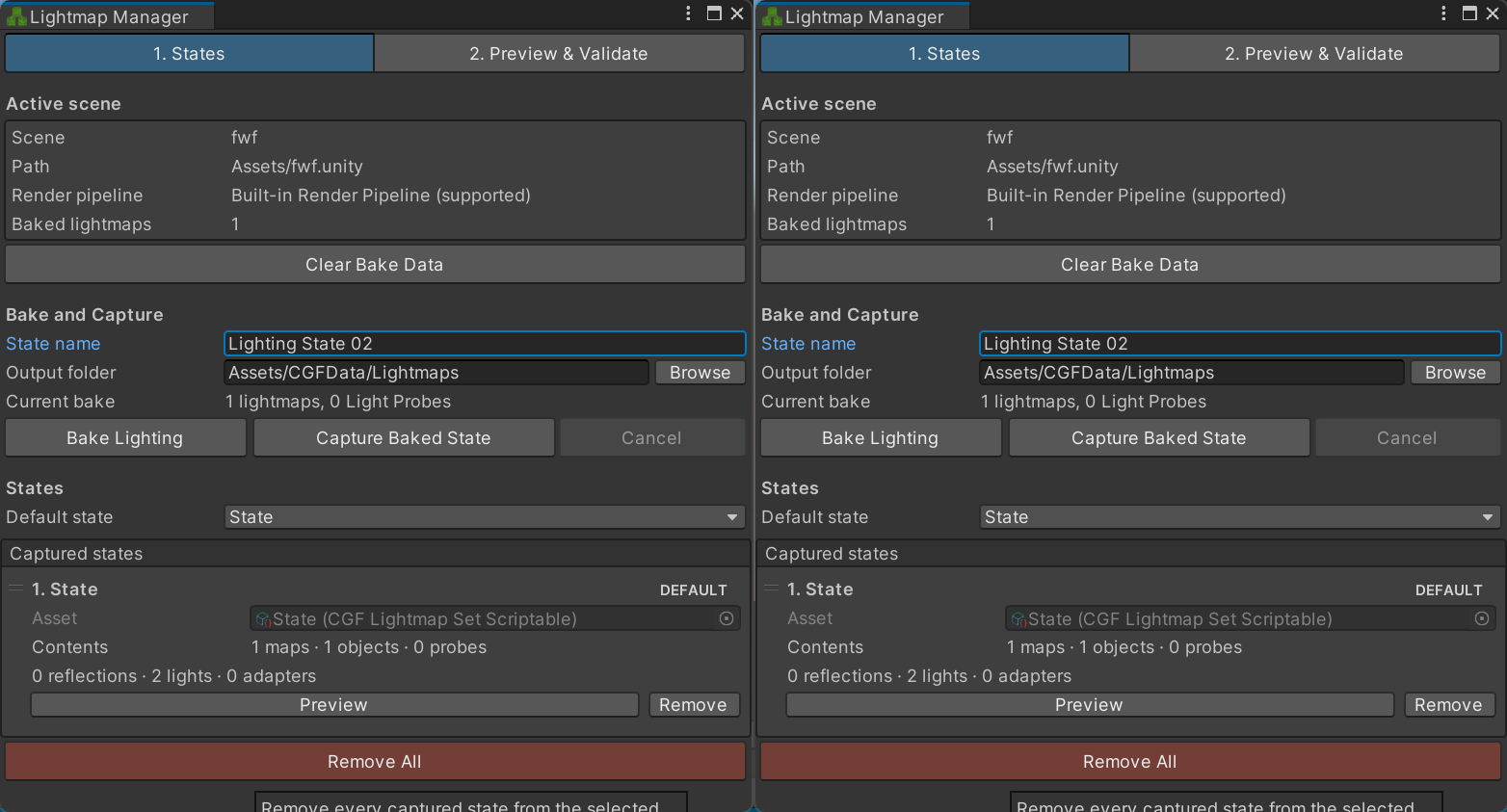
- Clear Bake Data – Remove Unity's baked lighting data from the current scene before creating a new lightmap state.
- Migrate scenario data – Convert legacy lightmap-scenario data in the selected asset to the current state format.
- State name – Name assigned to the next captured baked-lighting state.
- Bake Lighting – Start Unity's lighting bake for the current scene using its current Lighting settings.
- Capture Baked State – Store the scene's current baked lightmaps, renderer bindings and lighting data as a new scenario state.
- Cancel – Cancel the running Unity lightmap bake or the pending scenario-state capture.
- Remove All – Remove every captured state from the selected lightmap scenario.
- Default state – Lighting state loaded by the runtime controller when the scenario initializes.
- Asset – Lightmap-set asset containing the textures and renderer bindings for this captured state.
- Preview – Apply this captured lighting state to the open scene for inspection.
- Remove – Remove this captured lighting state from the scenario.
- From – Lighting state used as the start of the blend preview.
- Preview – Apply the selected source state directly to the open scene.
- To – Lighting state used as the destination of the blend preview.
- Preview – Apply the selected destination state directly to the open scene.
- Blend – Preview an interpolation from the source state at 0 to the destination state at 1.
- Log runtime diagnostics – Write the runtime lightmap controller's current state and binding diagnostics to the Console.
- Output folder – Project-relative folder where captured lightmap-state assets and copied textures are stored.
- Browse – Choose the project folder that will receive captured lightmap-state assets.
Use
Open the tool from CGF/Lighting/Lightmap Manager in the Unity editor.
Use the controls listed in Reference to configure the window workflow.