
Files: CGFReferenceFinderTool.cs
Path: "CGF/Editor/Tools"
Menu: "CGF/Optimization and Analysis/Reference Finder"
Description
This tool thats allows to provides reference search functionality for Chloroplast Games Framework objects, now allowing multiple search targets for search and comparison.
Reference
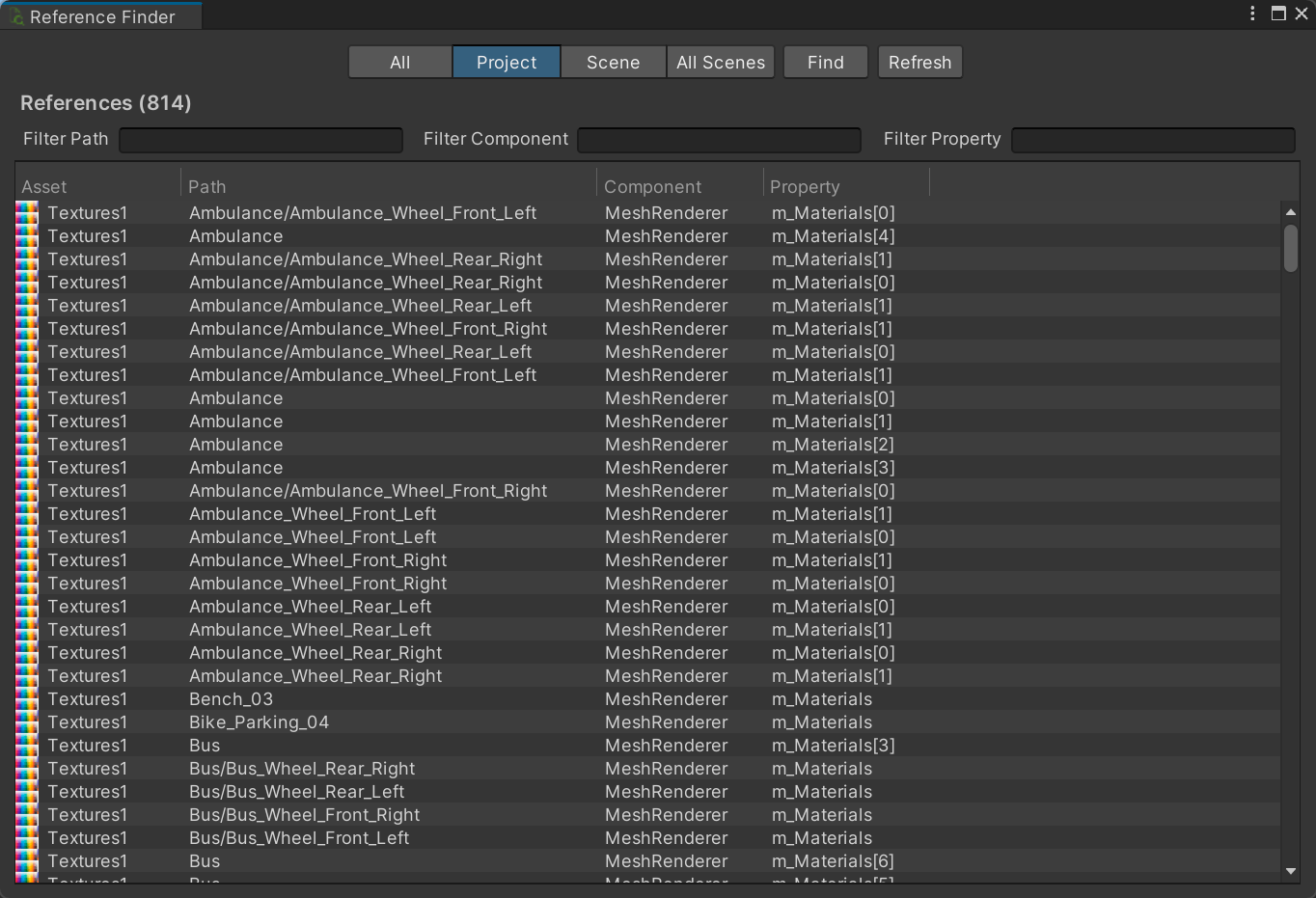
- All – Search project assets and every scene.
- Find – Search the selected scope for serialized references to the objects listed above.
- Refresh – Repeat the last reference search so the result list reflects the current project contents.
- References
- Filter Path – Show only references whose project or hierarchy path contains this text.
- Filter Component – Show only references stored by component types containing this text.
- Filter Property – Show only references stored in serialized properties containing this text.
Use
Open the tool from CGF/Optimization and Analysis/Reference Finder in the Unity editor.
Use the controls listed in Reference to configure the window workflow.